
For members
No one spotting your squat?
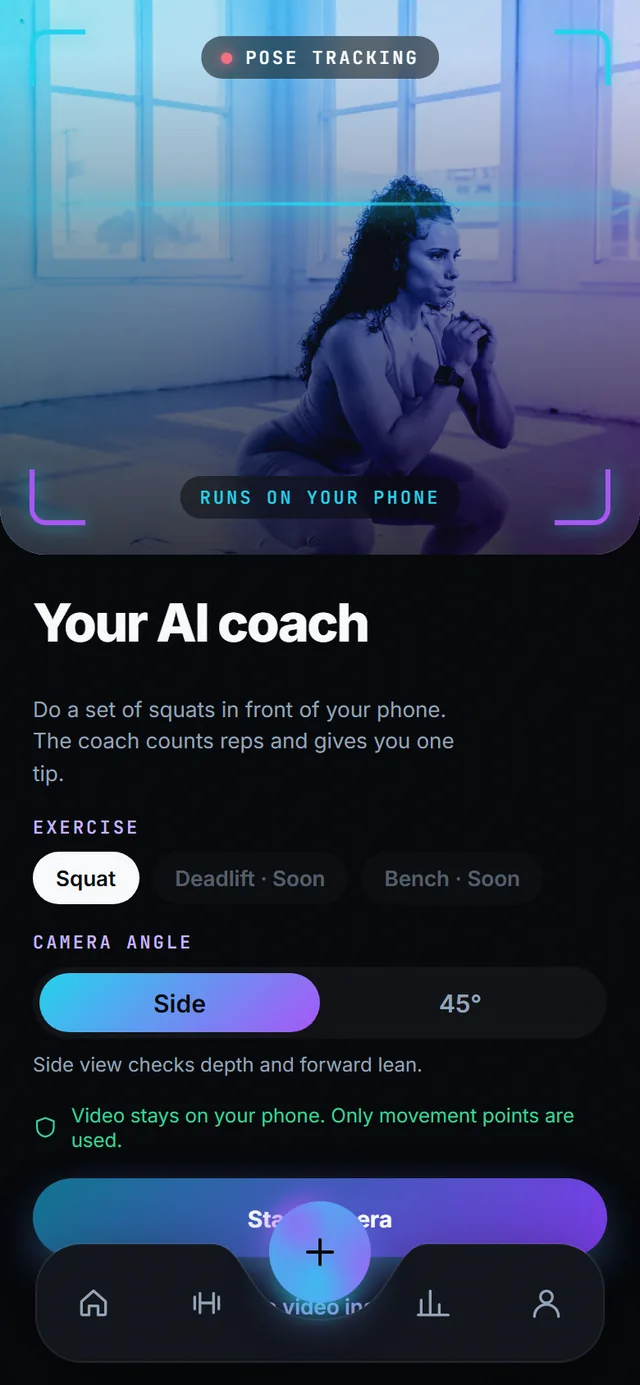
Prop your phone on the rack. The coach counts reps and calls your form.
Pose tracking runs on the phone with MediaPipe. Each rep is checked for three things, and at the end of the set you get one tip written from templates your gym’s trainer approved. No video is uploaded, ever.
- 3 form checks per rep
- 2 camera angles: side or 45°
- 3 languages for tips
- 0 frames leave the phone
How it works
-
Set the phone down and pick the angle
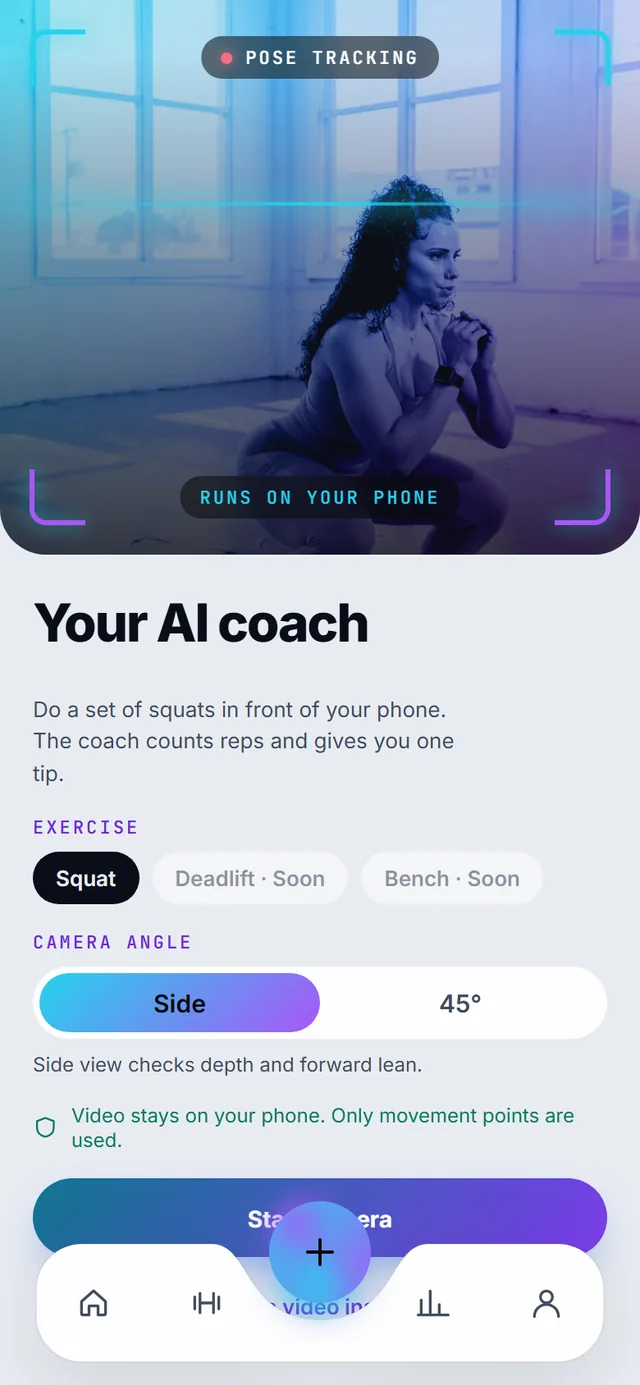
Lean the phone on the rack or a bench, side-on or at 45°, with your whole body in frame. The preview shows the tracking box so you know you are in shot before you start. Light from a window or the gym’s ceiling lights is enough; the model needs to see your hips, knees and ankles.
-
Do the set. The counter runs on your body
Reps are counted from the hip and knee landmarks, so there is nothing to tap between reps. Rack the bar when you are done. Each rep is scored for knee valgus (knees caving in), shallow depth and excessive forward lean from the joint angles, on the phone, as you move.
-
Read one tip, not a wall of feedback
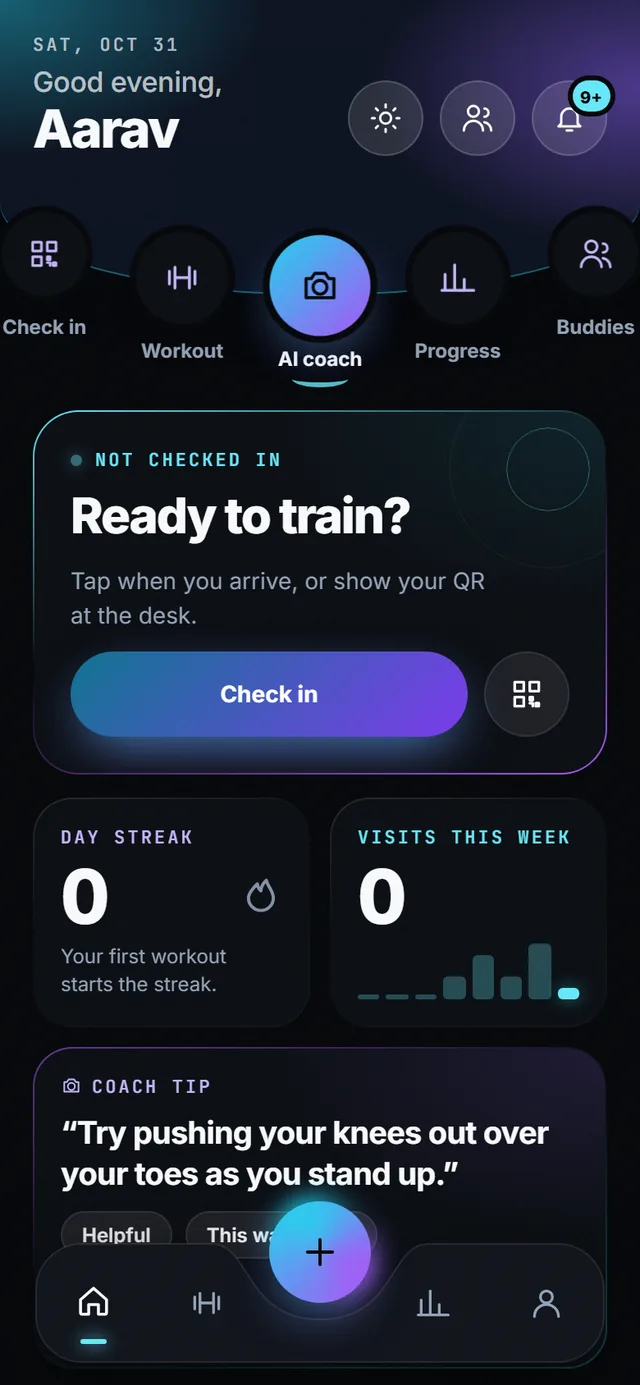
When the set ends you get a single cue chosen for the flag that fired most, in English, Hindi or Bengali. “Try pushing your knees out over your toes as you stand up.” Each cue is a template your gym’s trainer reviewed in the staff console; the language model only words it, and if the gateway is down the exact template text is used.
-
Tell it when it was wrong
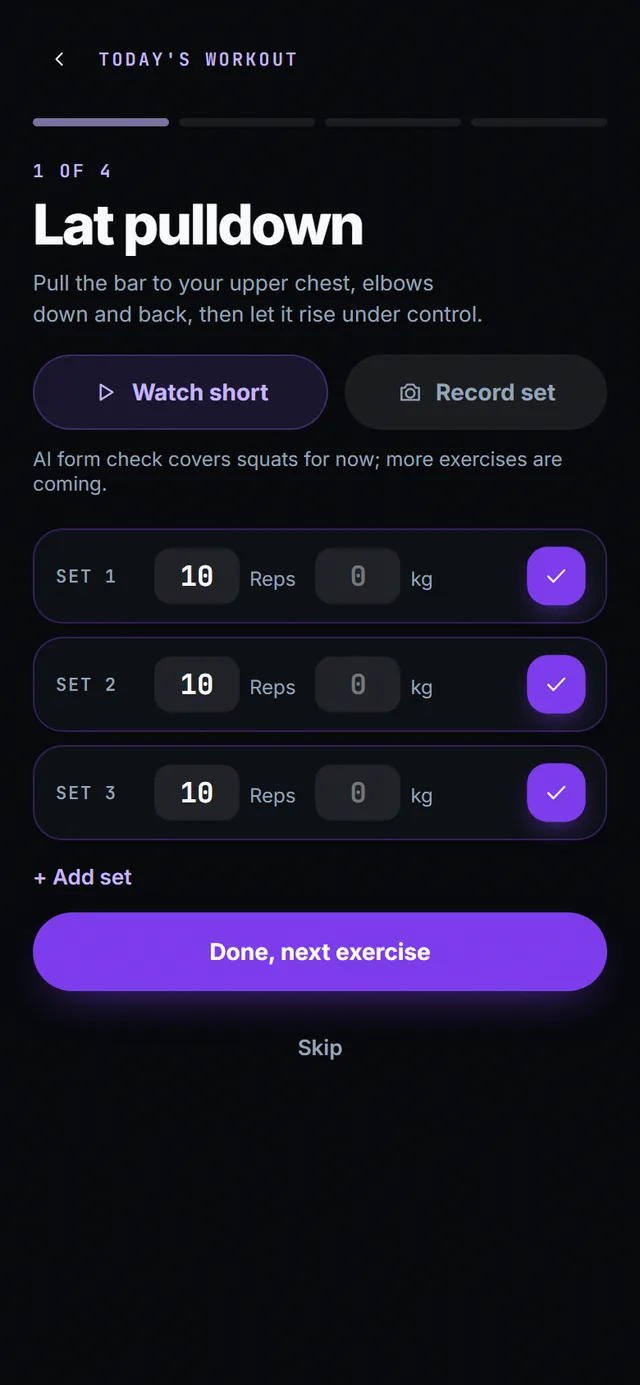
Tap “This was wrong” or “Helpful” under the tip. The answer is kept with the set, the flag and the rule version, so trainers see each template’s wrong-rate and retire the bad ones. You can also hand a set of squats to the coach straight from the workout screen with “Record set”.
What you get
-
Three checks per rep
Knee valgus, shallow depth and excessive forward lean, each scored per rep from joint angles. The flags are what the server receives: a rep count and, per rep, a map of flag to severity.
-
Trainer-approved cues
Every tip is a template a trainer reviewed in the staff console. The model gateway only words it; if the gateway is down, the exact template text is used, so you are never read something a human did not approve.
-
Nothing leaves but counts
Pose runs on the phone with MediaPipe at camera frame rate. The server never gets a frame or a landmark stream, so there is nothing to leak and nothing to delete later.
-
Clips are a separate switch
Saving a clip of your set is its own consent in the privacy centre, off by default. Clips you do save are listed under My clips and can be deleted one by one.
-
Shorts for every exercise
Forgot the move? Each exercise opens a 30-second short from a well-known coach inside the app, so you learn it and get back to the set.
-
Adults only
Camera features switch off for members under 18. The age check happens at sign-up and the API refuses camera endpoints for minors.
Today’s limits
- Squats only today. Deadlift and bench press are next; every exercise already has a how-to and a short.
- Camera features are for members aged 18 and over.
- Works best with the whole body in frame and steady light.
Questions
Does the AI coach send my video to the cloud?
No. Pose tracking runs on your phone. Only rep counts and form flags leave the device, never frames.
Which exercises does the form check cover?
Squats today, with knee valgus, shallow depth and forward lean detected per rep. More exercises are coming.
Who writes the tips?
Your gym’s trainer approves the templates. The app picks one that matches the flag on your set.
Do I need to hold the phone?
No. Lean it on the rack or a bench so your whole body is in frame, then lift.
More of SpotAI
- Workouts Walk in with no plan? Check in and the app tells you what to train today, then logs every set.
- Privacy Worried where your camera footage goes? Nowhere. It stays on your phone, and every other use of your data is a switch you flip.
- Get the app Join the waitlist Play Store and App Store links on launch day.