
For members and gym owners
Paying dues over WhatsApp screenshots?
Show a QR at the desk, see your days left, pay with UPI in the app.
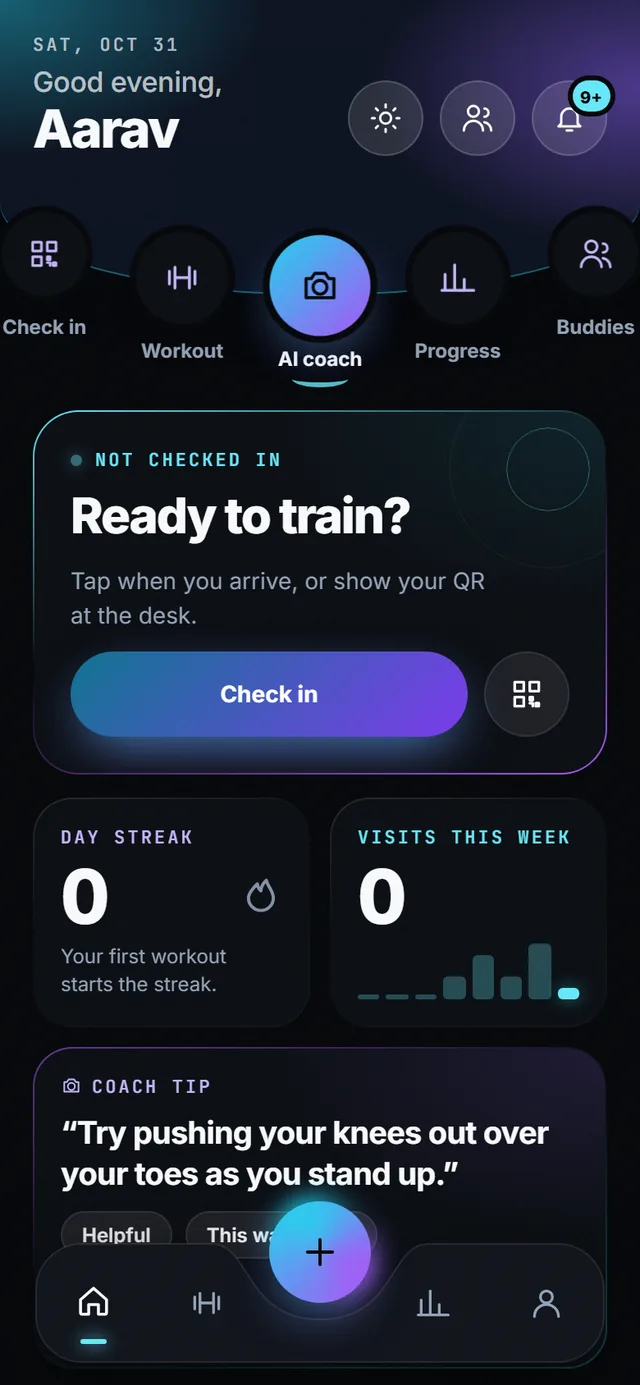
The home screen is your membership card: check in, see days left and anything due, and pay from the app. The gym sees the arrival and the payment reference the moment it happens.
- 100 s before the QR refreshes itself
- 4 UPI apps: Google Pay, PhonePe, Paytm, BHIM
- Days left on the home screen
- Live arrival on the owner’s screen
How it works
-
Check in from the home screen
Tap Check in, or the QR button beside it to show a code at the desk. The code refreshes itself every 100 seconds, so a screenshot from a friend does not get anyone in. The check-in starts your session, your streak and this week’s visit count.
-
See your membership without asking
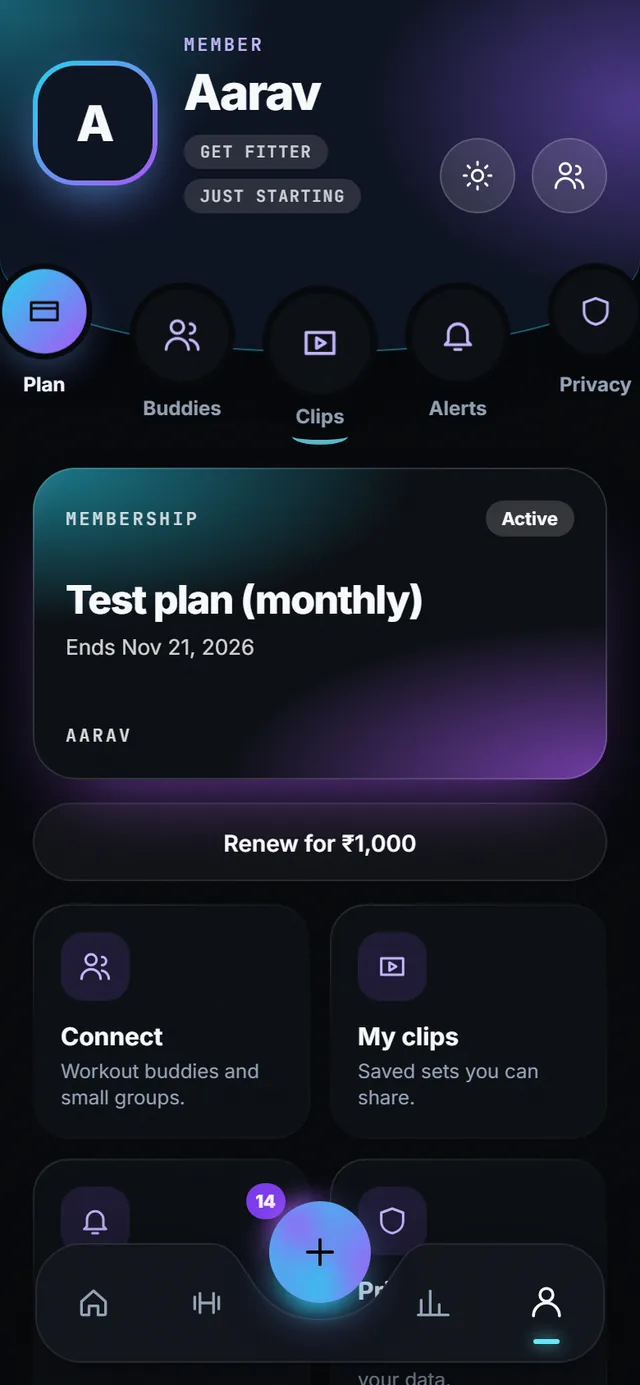
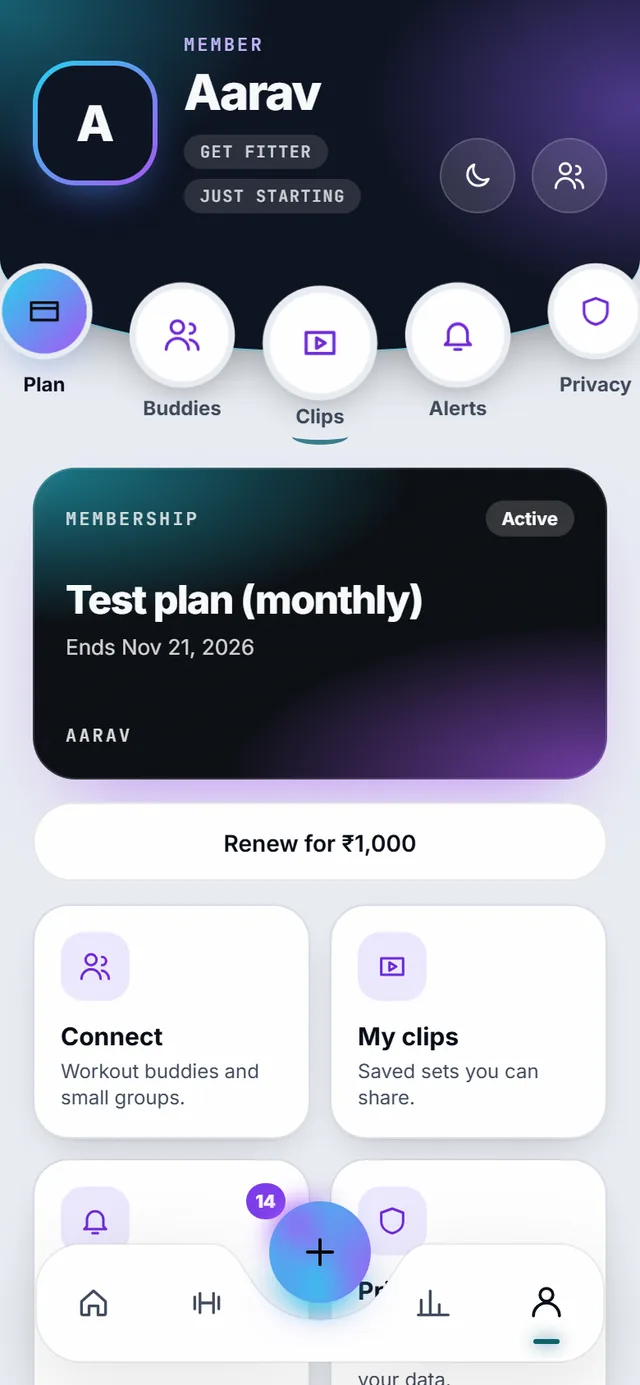
The profile shows the plan, when it ends and the amount to renew. No message to the desk, no “bhaiya kitna baaki hai”. Clips, buddies, alerts and the privacy centre live on the same screen.
-
Pay with UPI, in the app
Tap Renew, pick Google Pay, PhonePe, Paytm or BHIM, and pay. The reference lands in the gym’s dues ledger, so there is no screenshot to forward and no “did you get it?”. Reminders only reach you if you turned them on in the privacy centre.
-
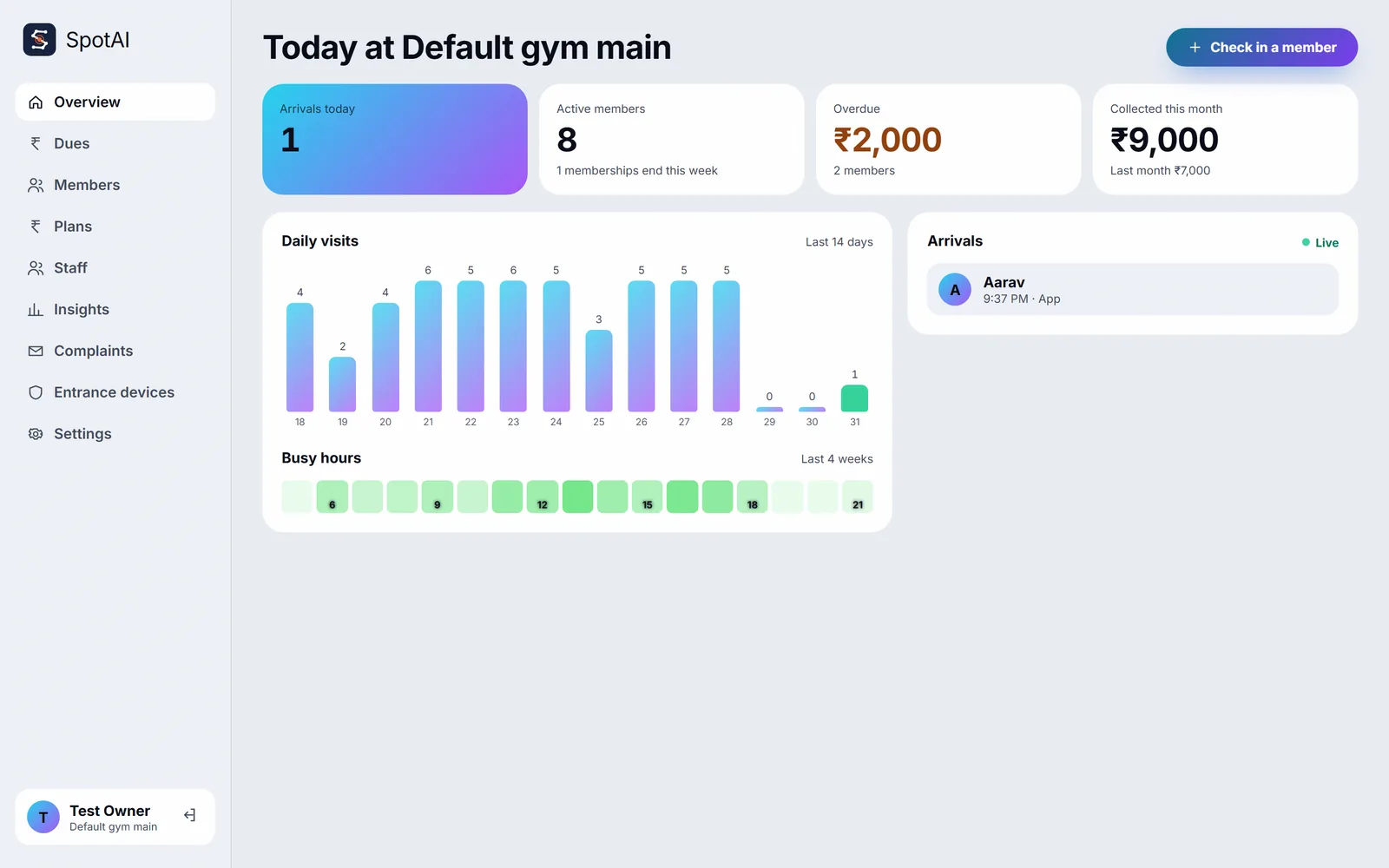
The gym sees it the same second
Your arrival shows on the owner’s overview with the time and how you checked in. If anything is overdue it is flagged on your name for the front desk, and nobody else; members never see each other’s dues.
What you get
-
QR that cannot be shared
The code is signed and refreshes every 100 seconds. The front desk scans it or types your name.
-
Optional face check-in
If your gym runs the entrance device, you confirm each check-in on your phone. It is a separate consent and stays off until you turn it on.
-
Reminders that respect consent
The gym can only remind you about dues if reminders are on in your privacy centre. Turn them off and the button is greyed out on their side.
-
Staff see only what they need
The front desk sees who is in and who owes. Trainers see neither. Members never see each other’s dues.
-
Streak and visits
Each check-in adds to your day streak and this week’s visits, which feed the leaderboard if you joined it.
-
Demo mode
In the private demo, payments are marked paid without a provider and reminders go to a stub. Nothing is charged or sent.
Today’s limits
- UPI payments run in demo mode today; no provider is charged.
- Face check-in stays in shadow mode until calibrated with consenting members.
Questions
Is there a face check-in? Is it safe?
Optional, on a small device at the entrance, never in the cloud. Encrypted templates, a liveness check, and you confirm each check-in on your phone.
Can I pay from the app?
Yes, with UPI. The payment reference is matched in the owner’s dues ledger.
What if I forget my phone?
The front desk can check you in by name.
More of SpotAI
- Gym owners Chasing dues on WhatsApp? Who came, who owes, when it is busy. One screen, and members who pay in the app.
- Privacy Worried where your camera footage goes? Nowhere. It stays on your phone, and every other use of your data is a switch you flip.
- Get the app Join the waitlist Play Store and App Store links on launch day.